nixarchy: Omarchy on NixOS, and computing that's fun again
I have spent an unreasonable number of evenings on my desktop. Hyprland configs, COSMIC applets in Rust, a bar that took three weekends and I still didn’t like. That’s the NixOS tax nobody writes on the tin: the machine rebuilds identically forever, and you paid for that by assembling it yourself, one option at a time.
Then I ran Omarchy. Somebody had already made all the
decisions, and they were better decisions than mine — a coherent Hyprland
setup, 22 themes that actually match across the terminal, the bar and the
notifications, a menu you drive with Super + Space that covers install, remove,
update, style, learn. Nothing to assemble. The fun bit of Linux — poking at it,
learning it, changing your mind — with the tedious bit already done.
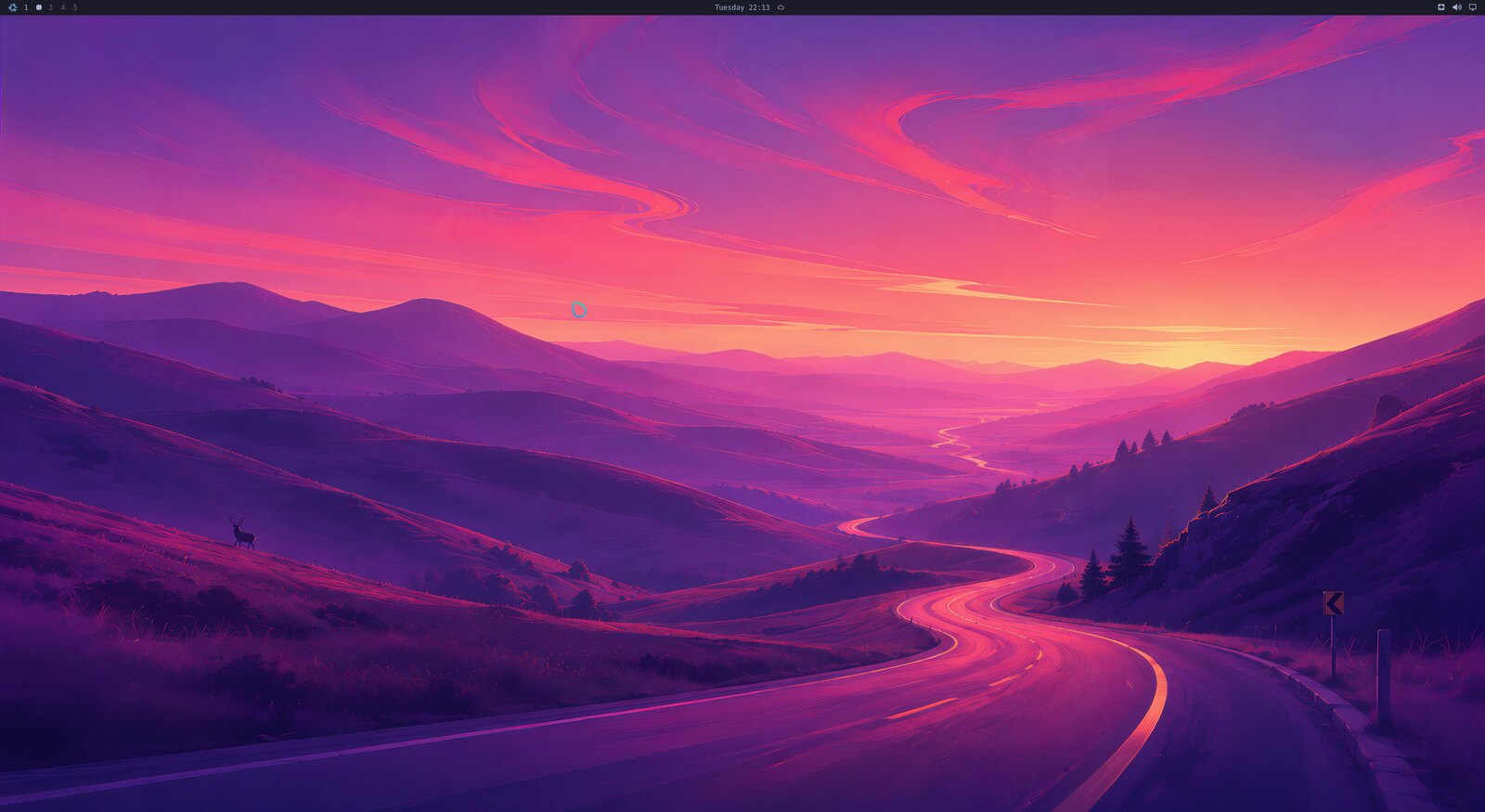
One problem. Omarchy assumes Arch, and I am not giving up reproducible machines to get a nice desktop.
Why I vendored it instead of rewriting it
The instinct in this community is to reimplement. Read the upstream project, express it as a Nix module, enjoy the purity. I’ve done it before and I know how that story ends: your port is beautiful on the day it lands and diverges from upstream the week after, and every release becomes a re-port that you eventually stop doing.
And Omarchy 4.x is not a dotfiles repo you can absorb over a weekend. It’s an application: 429 shell commands, a QuickShell desktop shell, 22 themes, Hyprland driven through the Lua API added in 0.55. Reimplementing that is a project with no end.
So nixarchy packages the upstream tree
as a derivation and replaces only the parts that assume Arch. Tracking a new
Omarchy release is a source bump, not a re-port. Upstream’s 431 commands keep
upstream’s name on purpose — a bug in omarchy theme set is a bug to report
there, and renaming it would quietly claim otherwise. nixarchy owns what this
port adds and execs through for everything else, so both names work and exit
codes, signals and the terminal stay the command’s own.
The one thing that had to change
On Arch, pacman -S ghostty changes your machine. On NixOS the machine is
described, and almost every difference falls out of that single fact.
So the Install menu doesn’t install. It queues the app into
~/.config/nixarchy/apps.nix, and nixarchy-apply rebuilds. 56 applications
are selectable that way, and everything else in nixpkgs is one Install ▸ Search
away — a single picker over 137,000 rows covering every package and every
NixOS option. Plugins and themes still install from a git URL at runtime, the way
upstream intends, because that part was never the problem.
The reward for all that is the bit I actually enjoy: there’s a bootable ISO that asks seven questions and leaves you with a machine that is a flake you own, offline, with the whole desktop already on it.
The AI part, which turned out to be the interesting part
Omarchy ships agent tooling — a default agent, Super + Shift + Ctrl + A,
omarchy agent prompt "...", crash diagnosis — and symlinks a skill into Claude
Code, Codex, Pi and ~/.agents/skills so most harnesses load it automatically.
All of that runs here unchanged.
But upstream ships one skill, and it’s written for Arch. It points the agent
at /usr/share/omarchy, which doesn’t exist here, and it answers “install a
package” with omarchy pkg add — a command that on nixarchy prints the
declarative route and exits 1. An agent following it would see the non-zero exit
and fall back to nix profile install, which works, and then vanishes at the
next rebuild. That’s the one failure mode that looks like success.
So nixarchy ships ten skills instead of one, split along the line that actually
matters: nixarchy owns the desktop (~/.config/, takes effect on save),
nixos owns packages and everything in the flake (only changes at a rebuild),
and then nixos-gpu, nixos-ai, nixos-services, nixos-secrets,
nixos-performance, nixos-security, nixos-doctor, nixos-config-repo and
diagnose-crash. Each is written against the modules on the disk rather than
from the model’s memory — which caught services.ollama.acceleration (removed)
and services.ollama.models (renamed to modelsDir). Current models still write
both, confidently, and both fail evaluation.
My favourite detail is the trap that only bites agents. A rebuild does not update
the session it’s running in: OMARCHY_PATH and PATH were set at login and
point at whatever store path was current then. So an agent makes a correct
change, verifies it the natural way — run the script at its installed path, see
it work — and the check passes while the keybinding still runs the old build.
Without being told, an agent that just succeeded concludes it failed and starts
undoing it. The skill spells out the two-line check:
echo "$OMARCHY_PATH"
readlink -f /run/current-system/sw/bin/omarchy | sed 's|/bin/omarchy$||'
Differ? The fix is applied and the session is stale. Log out.
Asking the machine what’s wrong
A skill only helps if something loads it. Menu ▸ Trigger ▸ Ask is a row per question people actually have.
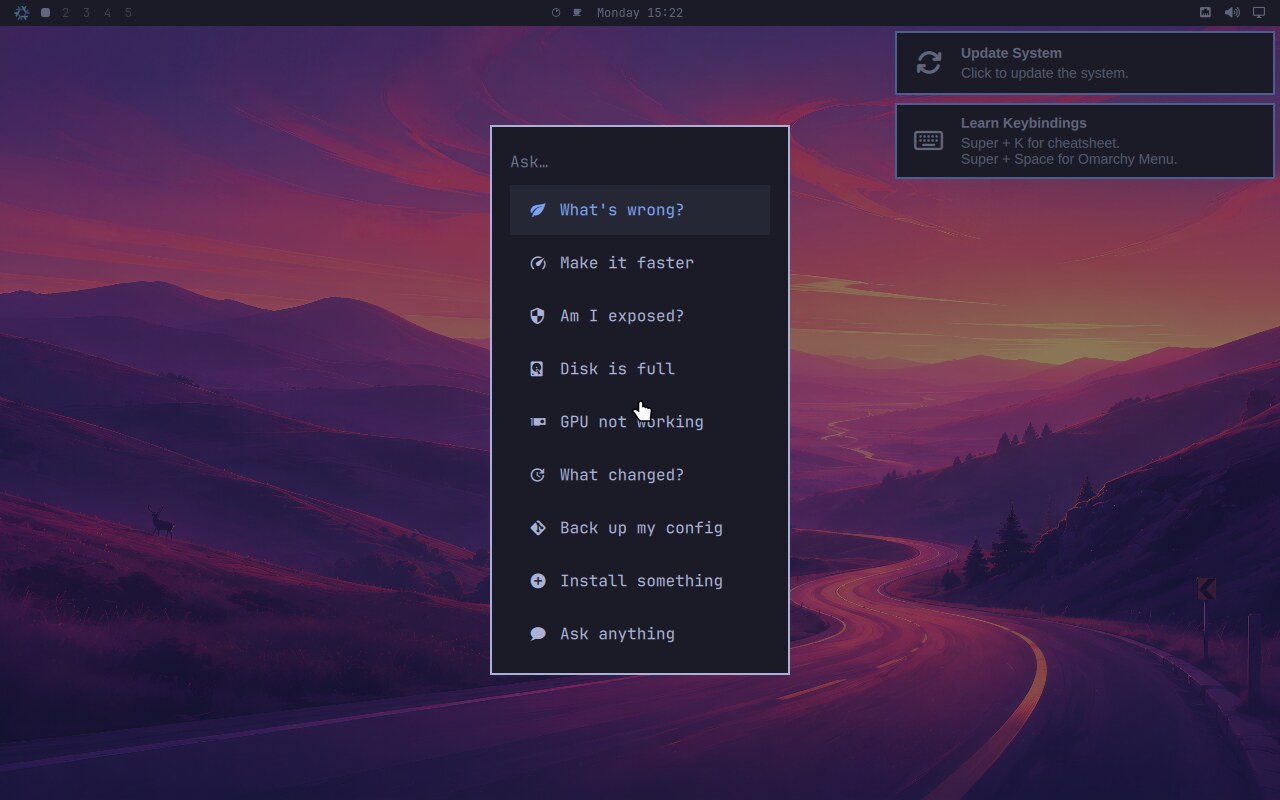
What’s wrong? · Make it faster · Am I exposed? · Disk is full · GPU not working · What changed? · Back up my config · Install something · Ask anything. Each routed to the skill that answers it.
The prompts live in nixarchy-ask as text, not in the menu JSON, so they can be
read and corrected. Each names its skill explicitly, because a model follows a
skill it’s been handed far more reliably than it picks one from nine
descriptions — and moving that decision out of the model and into a file makes it
reviewable. Every prompt says measure first, propose before changing. None of
them names an agent: they go through omarchy-agent-prompt, so the same row
works with Claude, Codex, opencode, Pi or a local model, and keeps working when
you switch.
That’s the thing I keep coming back to. “Why is my disk full” used to be forty
minutes of du and squinting. Now it’s a menu row, and what comes back cites the
NixOS options on this machine.
Running it with no account and no network
programs.nixarchy.localAi.enable = true;
Ollama, plus provider config merged into opencode and Pi. Which Ollama gets built
is derived from the GPU the configuration already declares — hardware.nvidia
means CUDA, hardware.amdgpu means ROCm — so it follows the machine instead of
being told twice.
Two honest notes, because this is where local-LLM writing usually goes soft.
Without a GPU it refuses to build. On eight cores with qwen3:8b, one
question through an agent took five round trips and twenty-five minutes and still
didn’t finish; nothing was misconfigured, an agent just needs several turns and
each turn is minutes. And nixarchy local-ai won’t recommend anything below 4b:
qwen3:1.7b lists the skills, calls the tools correctly, and then answers from
memory while saying it used them. That’s worse than no local model, because the
mistake arrives looking sourced.
The point
I didn’t do this to have a tidier desktop. I did it because I’d stopped enjoying the machine — every change was a config file and an evening, and I have a day job doing exactly that at rather larger scale. Omarchy gave me back the part where you use the computer. NixOS keeps the part where it comes back identical tomorrow. The agent skills mean when something breaks I ask, in English, and get an answer grounded in the modules actually on the disk.
Two names, on purpose. The desktop is Omarchy’s, the port is nixarchy’s, and the commands say which is which. Source, screenshots and the manual are at github.com/olafkfreund/nixarchy — there’s a showcase write-up too.