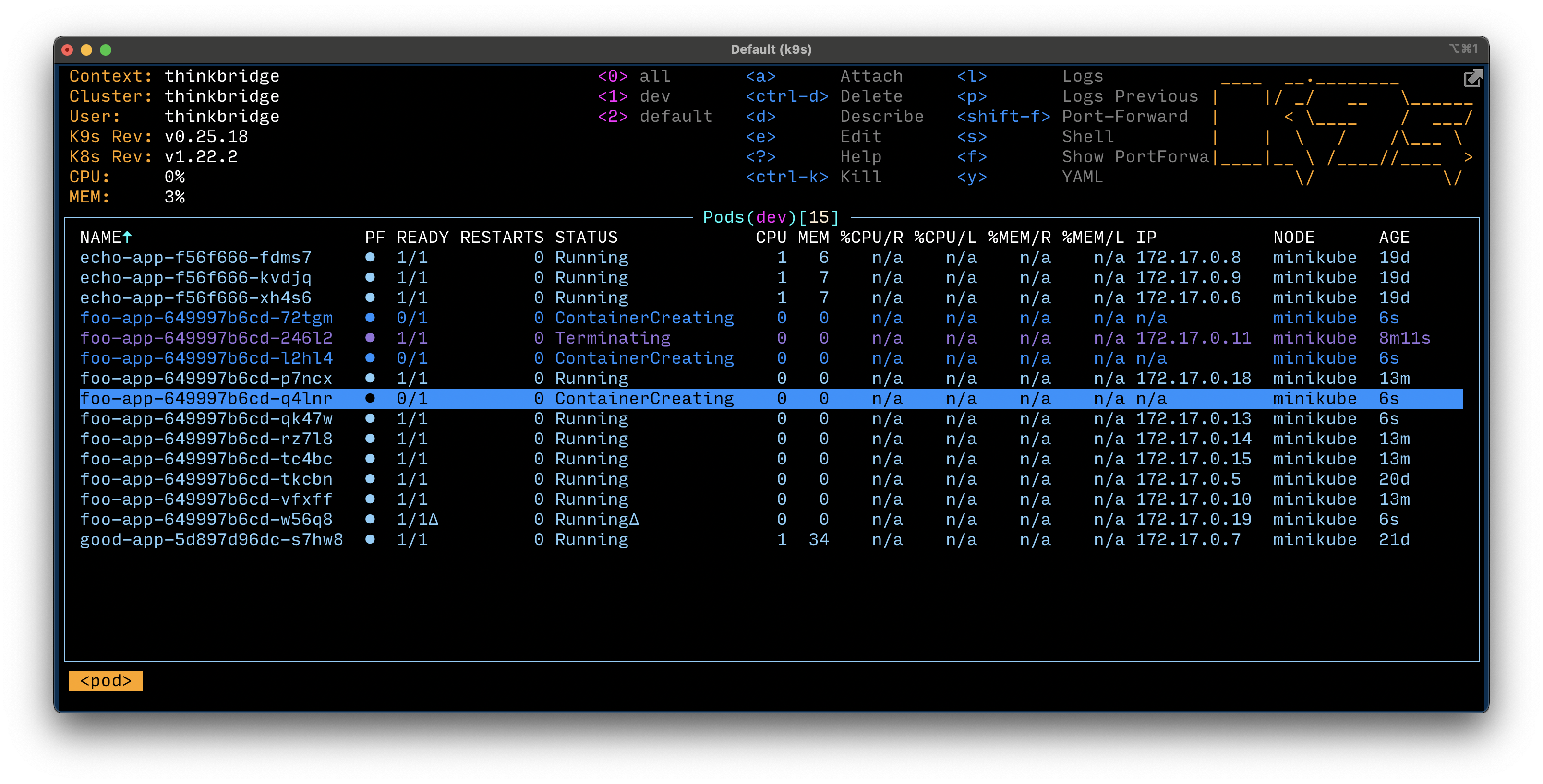
K9s (2025)
K9s is a fast, terminal-based UI for managing Kubernetes clusters across all major cloud providers (AKS, EKS, GKE) and on-premises environments. It streamlines navigation, monitoring, and troubleshooting for engineers and DevOps teams.
Installation
Linux/WSL
curl -LO https://github.com/derailed/k9s/releases/latest/download/k9s_Linux_amd64.tar.gz
sudo tar -xzf k9s_Linux_amd64.tar.gz -C /usr/local/bin k9s
NixOS
Add to your configuration.nix:
{ pkgs, ... }:
{
  environment.systemPackages = with pkgs; [ k9s ];
}
Then run:
sudo nixos-rebuild switch
Real-Life DevOps Scenarios
- Multi-Cloud Management: Use K9s to switch between AKS, EKS, and GKE contexts for troubleshooting and monitoring.
- Live Debugging: Quickly view pod logs, events, and resource status in real time during incident response.
- Resource Scaling: Scale deployments interactively without writing YAML or running multiple kubectl commands.
- ConfigMap/Secret Editing: Edit ConfigMaps and Secrets directly from the UI for rapid configuration changes (with RBAC controls).
- LLM Integration: Use Copilot/Claude to generate troubleshooting steps, then execute or verify them in K9s.
Usage
- Start K9s:
k9s - Switch context (multi-cloud):
Press
:ctxand select the desired context (e.g., AKS, EKS, GKE) - Navigate resources:
Use arrow keys,
/to filter, and?for help/shortcuts - View logs:
Select a pod and press
l - Edit resources:
Select a resource and press
e - Delete resources:
Select a resource and press
d
Best Practices (2025)
- Use RBAC to restrict sensitive actions (editing/deleting resources)
- Always verify the current context before making changes
- Use K9s in conjunction with GitOps for safe, auditable changes
- Regularly update K9s to get new features and bug fixes
- Document custom K9s configurations for your team
Common Pitfalls
- Accidentally editing or deleting resources in the wrong context
- Not updating K9s, missing out on new Kubernetes API support
- Over-relying on UI for changes that should be managed via IaC/GitOps
References